

Lyrics in Nuclear 1.50.0

Nuclear is a free, open source music player that finds music for you
In Nuclear 1.50.0, you can now read song lyrics and connect a variety of lyrics sources to sing along.
If your source supports synchronization, the lyrics will show the currently sung line, or even the exact word. Click “Lyrics” in the sidebar to go to the Lyrics view.
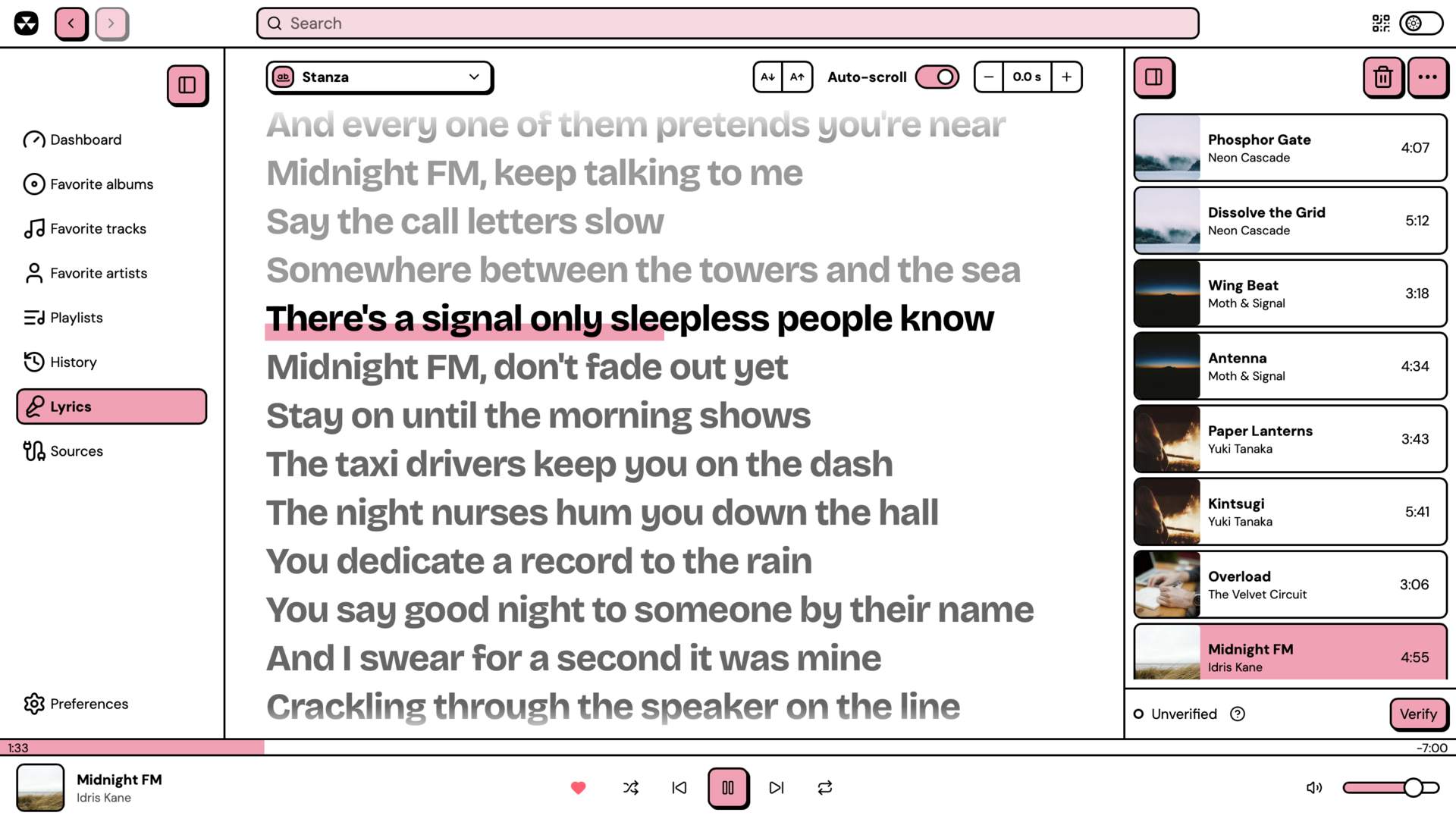
Lyrics plugins
Just like any data in Nuclear, Lyrics are also provided by plugins.
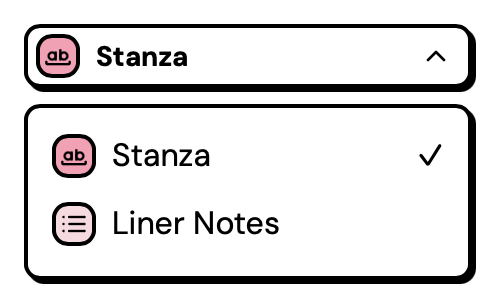
You can install any number of them, and they will be queried when you play tracks in your queue. Nuclear automatically selects the best lyrics it can find, but you can also switch using the source selector.
Karaoke
If the lyrics are sync’d, they will follow the track as it plays. You can also click any line to seek to that point in the track.
If there’s an instrumental break, Nuclear will show three dots that progressively fill up, so you know when the next vocal line will start.

Extras for display
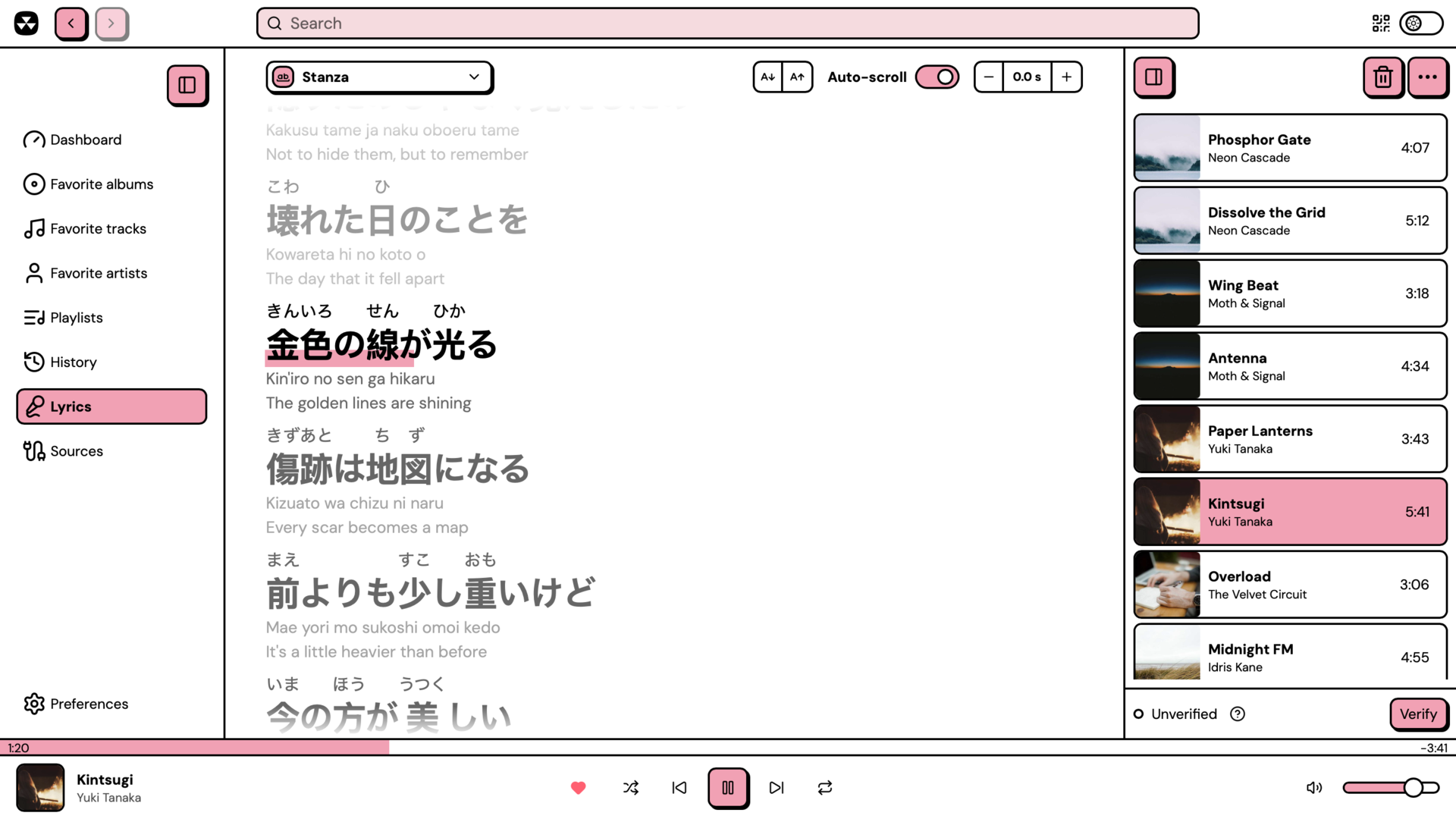
Plugins are able to provide extra elements to enrich the lyrics. Some of these include furigana (Japanese pronunciation help), pinyin (romanization for Chinese), or translations.
Fixing the timing
If the lyrics are too late or too early, you can correct this by adjusting the offset. Click the buttons in the toolbar to move them in 0.1s increments. You can also adjust text size with this toolbar, or switch auto-scroll on and off.

Integrations
Lyrics are also available for integrations: HTTP API and the MCP server can use them.
If you connect an AI agent to Nuclear, it can also read the lyrics now, so you can ask it for meaning, translation, and so on.
Write your own plugin
Check out the plugin docs for a full example of a working plugin and see how to connect your own sources.
How to update
Nuclear has an auto-update mechanism. Either let it auto-update by itself, or use the “Click to update” button which will appear when it detects a new update to install.
Depending on your platform, you may want to use that platform’s update mechanism. For example, if you installed it from Flathub, your system will notify you there’s a pending update.
Read more
- Read more about lyrics in the documentation.
- Install LRCLIB and Kugou from the plugin store, play something you love, and sing along.
- Join our Discord and tell us what you think.
Get Nuclear
Downloads are only available on a desktop device.